


Online courses are more popular than ever, and it seems like we’re finding new uses for them all the time. People are building everything from user onboarding portals to full-blown educational platforms.
It’s also never been easier to publish an online course. What’s more, WordPress serves as a great foundation for online education. Its content and media management capabilities are a natural fit. Plus, the ability to add automation and connect to third-party services opens a world of possibilities.
Thus, it’s no surprise that learning management system (LMS) plugins have become a popular category. They enable features such as student registration, online transactions, quizzes, automated grading, and awarding certificates. They have everything you need to build, publish, and manage a course in short order.
With that in mind, let’s review a selection of top LMS plugins for WordPress. Each of them has something unique to offer, and you’re sure to find one that fits your needs. Let’s get started!
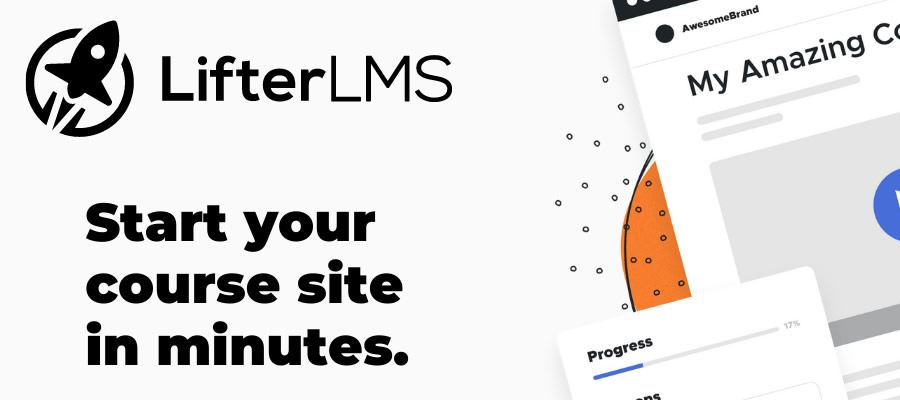
LifterLMS is a free learning management plugin for WordPress that includes all the basics. Their course builder makes it easy to create lessons, assignments, and quizzes within a custom dashboard (a common theme among the plugins listed here).
The plugin also features a variety of blocks for displaying course grids, outlines, student progress, a login form, and more. A collection of premium add-ons enables e-commerce functionality, social learning, and group management. This means the plugin will grow with you.
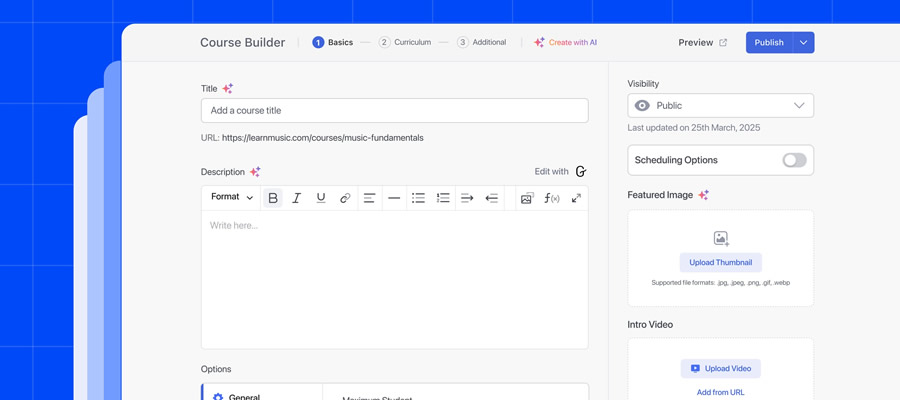
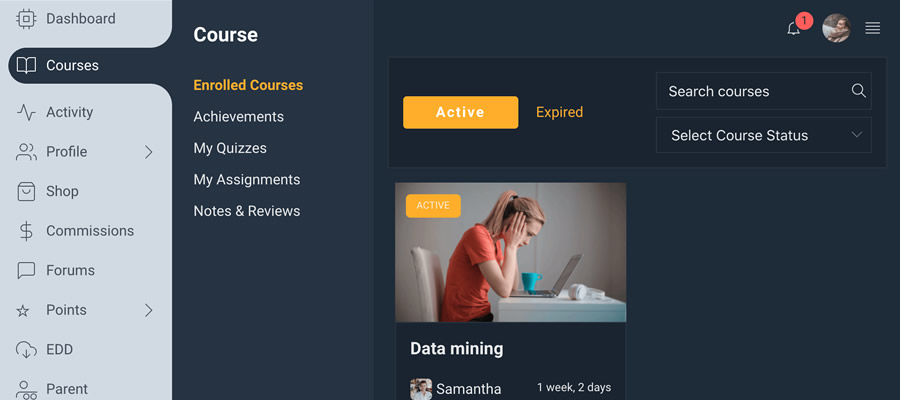
The free version of Tutor LMS lets you build and sell online courses with ease. Connect with students via built-in Q&A sections and lesson commenting. It also features a pleasant, easy-to-read design that allows students to focus on learning.
The pro version unlocks additional payment gateways (PayPal is the lone gateway in the free version), an AI Studio feature for generating course materials, certificates, and membership functionality.
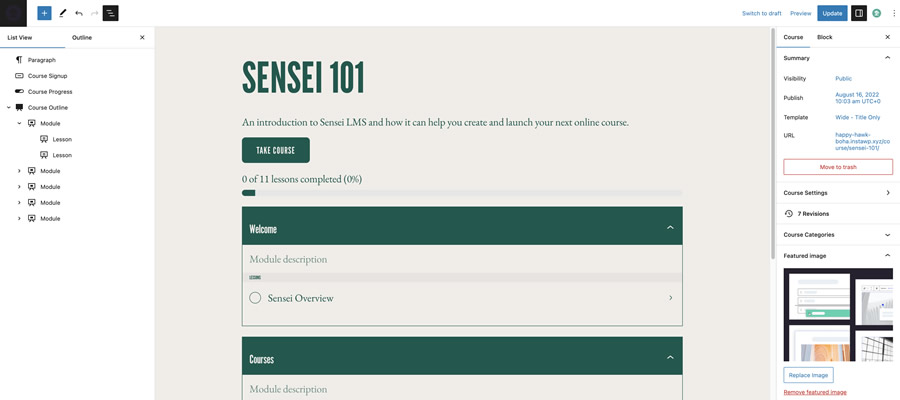
Among Sensei’s standout features is Learning Mode, a distraction-free layout that focuses on your course content. You’ll also find a certificate creation tool, auto-graded quizzes, and analytical reports.
Upgrade to Sensei Pro for access to AI-generated quizzes, WooCommerce integration, conditional content, and a suite of custom blocks. The free Course theme will help you get your project off to a quick start.
A commercial-only plugin, LearnDash is a staple among WordPress LMS options. The plugin offers a complete turnkey solution for building and selling courses. Features include a drag-and-drop course builder, PayPal/Stripe integration, and drip-feed content.
It also integrates with third-party tools, such as WooCommerce, The Events Calendar, Gravity Forms, Slack, and Elementor. Available add-ons bring notetaking, group management, and advanced analytical capabilities. LearnDash helps you create professional-looking courses that scale.

LearnPress is a feature-packed WordPress LMS plugin for building and monetizing online courses. The plugin works with the WordPress Block Editor and Elementor out of the box. Meanwhile, you can add features such as course prerequisites, BuddyPress integration, certificates, a front-end editor, and more via free and paid add-ons.
You can even distribute your courses via the LearnPress mobile app – allowing your students to learn on the go. You’ll also find support for selling access to in-person courses.
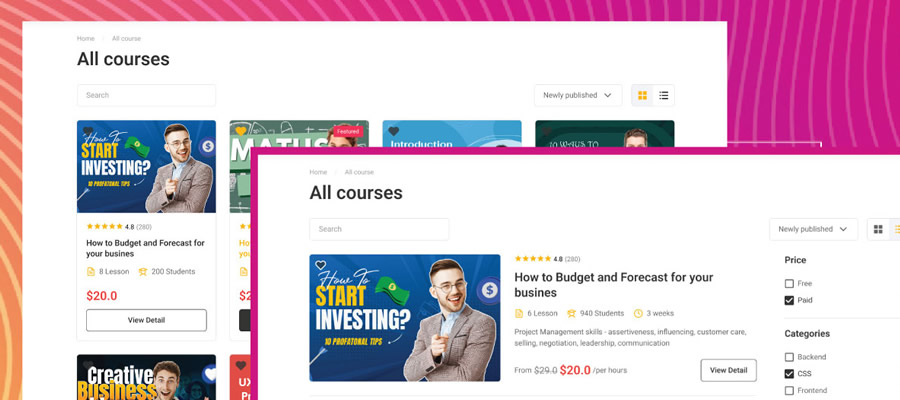
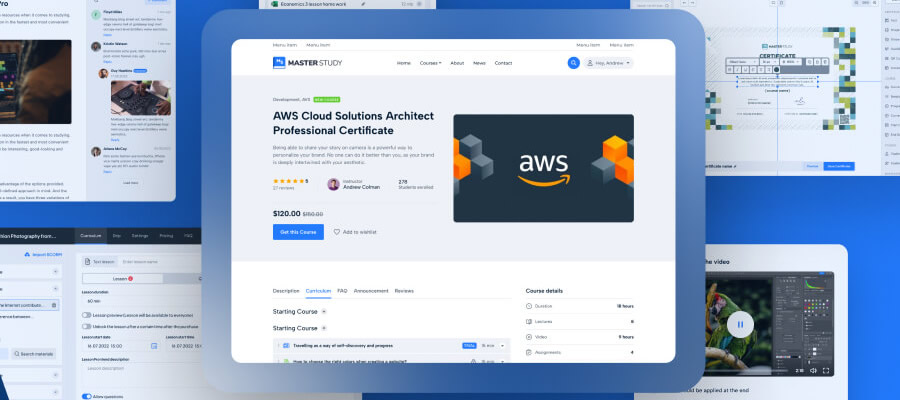
Whether you’re new to building online courses or a pro, MasterStudy has plenty of features and flexibility. The plugin’s course builder includes options to enable course previews and reviews. You can also assign expiration dates and difficulty levels to each course.
In addition, there’s support for multiple quiz types and a quiz timer. Move up to the pro version and gain access to AI content generation, recurring subscriptions, certificates, live streaming support, and more.
Billed as a “social WordPress LMS,”” WPLMS includes an intriguing set of features. For one, the plugin offers a multi-platform framework that converts your courses to a progressive web app.
Students can optionally download a course and use it anywhere – even without an internet connection. That’s in addition to the standard features you’d expect in an LMS. This commercial option is robust to say the least.
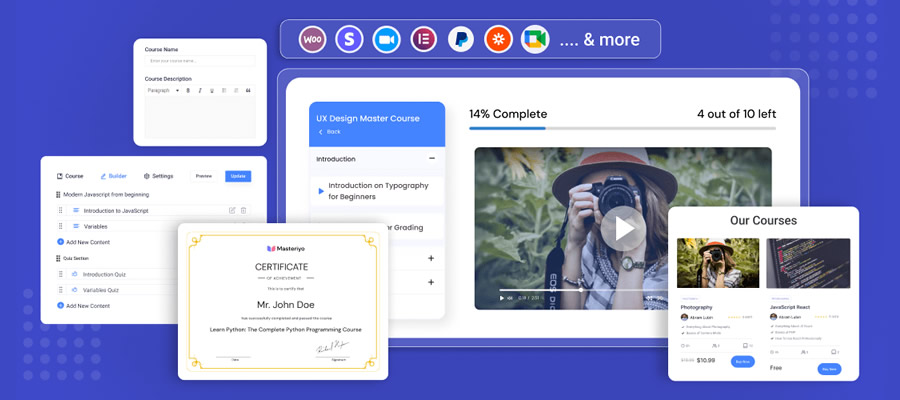
Masteriyo is an extensible LMS solution, with over 40 available add-ons and 20+ third-party integrations. That provides plenty of customization options for course builders. The plugin can also power community-based educational platforms, where instructors sign up to teach courses.
Inside, you’ll find a certificate builder, content dripping, a student gradebook, and support for social logins. There are plenty of features to dig into.
WordPress LMS Plugins at a Glance
| Plugin | Description | Primary Use |
|---|---|---|
| LifterLMS | Free learning management plugin with a course builder, lesson creation, quizzes, and student interface blocks. | Online course creation and management. |
| Tutor LMS | Lets you build and sell online courses with student Q&A and lesson commenting built in. | Course building and monetization. |
| Sensei | Includes distraction-free Learning Mode, quiz tools, certificates, and reporting features. | Structured LMS with analytics and quizzes. |
| LearnDash | Complete LMS with drag-and-drop builder, content dripping, payment integrations, and third-party extensions. | Professional course platform. |
| LearnPress | Feature-rich LMS compatible with the block editor and Elementor, with add-ons for certificates and prerequisites. | Course creation and extension support. |
| MasterStudy | Course builder with previews, reviews, quizzes, and difficulty levels with optional pro-level enhancements. | Interactive course development. |
| WPLMS | Robust LMS that can convert courses into progressive web apps and supports extensive eLearning features. | Advanced eLearning platform. |
| Masteriyo | Extensible LMS with add-ons and integrations, certificate builder, gradebook, and social login support. | Extensible course system. |
Turn Your WordPress Site Into a Learning Hub
The LMS plugins above offer nearly unlimited possibilities for online educators. Each takes a different approach to course building and management. With that, it’s a matter of picking the tool that fits your workflow.
There is no shortage of features or extras, either. The free plugins on our list include all the basics and are great for beginners. However, those with more complex project requirements will want to check out the premium versions – they include pro-level functionality and user experience.
One thing we haven’t mentioned yet is web hosting. LMS plugins aren’t necessarily resource hogs. But the more users you have, the more server resources you’ll need. Be sure to purchase a web hosting plan with enough storage, RAM, and CPU cycles to handle your anticipated traffic. Hint: It never hurts to leave some room for growth.
Are you looking for more tips for building a successful online course using WordPress? We have a handy guide to help.
Now that you have plenty of great options, it’s time to pick a plugin and get to work!
Top


