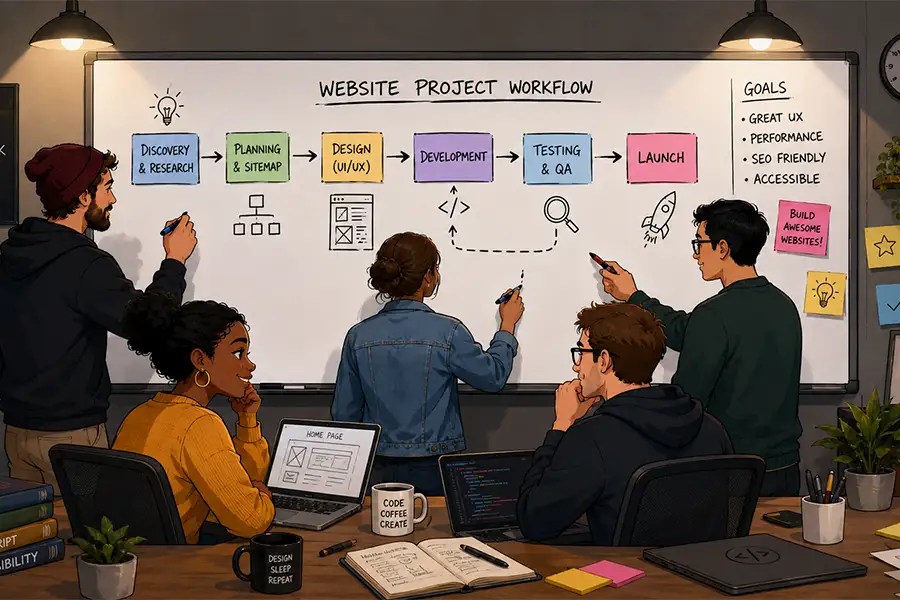


You started with a spreadsheet. Then you added an email tool, a project tracker, a billing app, and something just for scheduling. Each one made sense at the time. But somewhere along the way, you didn’t build a tech stack — you built a franken-stack: a collection of mismatched tools stitched together with manual workarounds, copy-paste routines, and a whole lot of crossed fingers.
You’re not alone. A small and medium business (SMB) franken-stack isn’t a sign of bad planning. It’s usually a sign of a founder who moved fast. But as your team grows and your customers expect more, those cracks start to show. This post breaks down what a franken-stack really costs you — and what it looks like to finally get off it.
What is a franken-stack, exactly?
A franken-stack is what happens when tools get added one at a time, each solving one problem, with no plan for how they’ll work together. Your sales data lives in one place. Your customer emails live in another. Marketing is doing its own thing. And every time your team needs a full picture of what’s happening with a customer, someone has to go digging through three different platforms before they can answer a simple question.
The result is what some call an “integration tax” — the hidden cost your business pays every single day in wasted time, missed data, and manual effort.
The real cost of a disconnected tech stack
The franken-stack problem isn’t just inconvenient — it actively slows your business down. According to the latest State of Sales Report, sales reps spend a staggering 60% of their time on non-selling tasks like manual data entry, lead research, and constant tool-switching. That’s more than half your team’s day going nowhere.
And it’s not just sales. The Small and Medium Business Trends Report found that 88% of SMB leaders feel overwhelmed by too many business tools.
Get the Small and Medium Business
Trends Report
Discover valuable insights from 3,350 leaders of SMBs worldwide.
Signs your business might have a franken-stack problem
Not sure if you’re dealing with a true franken-stack? Consider what life inside a stitched-together business tools setup actually looks like:
- Your employees become the manual “bridge” between systems, spending hours on tasks that should be automated.
- Data starts in one platform, moves to a spreadsheet, gets re-entered somewhere else, and is tracked in yet another tool — with every handoff a potential point of failure.
- Your team never has a single source of truth, so decisions get made on incomplete information.
Here are a few telltale signs your patchwork business tool setup has outgrown itself:
You’re doing a lot of copy-pasting
If your team regularly moves data manually from one platform to another, that’s a sign your tools aren’t talking to each other.
You can’t get a clear picture of a customer
When sales, service, and marketing all have different data on the same person, you’re working with fragments instead of facts. A good customer relationship management (CRM) system gives everyone a shared, real-time view.
You’re paying for more tools than you’re using
Franken-stacks have a way of accumulating apps — many of which overlap or go underused. That’s budget and mental bandwidth you can’t afford to lose.
Your team is exhausted by tool-switching
According to the State of Sales Report, many startups fall into what Salesforce calls the “app trap” — buying a different tool for every problem until the tech stack is bloated and disconnected. That’s a productivity killer, not a competitive edge.
How FairBuild AI got out of their franken-stack
FairBuild AI, a construction technology startup with a team of ten, knows this story well. Before Salesforce, their team relied on spreadsheets and email inboxes to manage leads, with no central place to collect and track customer data. When they launched their first public product, the gaps became impossible to ignore — critical details were getting lost, and follow-ups were falling through the cracks.
After switching to Salesforce Starter Suite, FairBuild AI’s team organized over 500 new leads into a single platform in just a few weeks. Centralized data gave them a 360-degree view of their customers, automation reduced admin overhead significantly, and enhanced reporting helped them identify bottlenecks in their sales cycle — leading to a real reduction in average time-to-close for new deals.
The win wasn’t just operational. It was strategic. FairBuild AI’s team could finally focus on building their product, and serving customers instead of managing data chaos.
The alternative to a franken-stack isn’t a bigger, more complicated system. It’s a unified platform — one that brings your sales, service, marketing, and commerce tools together so your whole team is working from the same data, in the same place.
That’s what Salesforce Starter Suite is built for. It’s a CRM designed for small teams who need to move fast without stitching ten tools together. You get sales, service, marketing, and commerce capabilities out of the box — no custom integrations, no IT team required, and no integration tax eating into your day.
For teams that are scaling fast, Pro Suite picks up where Starter leaves off, giving you advanced automation, deeper customization, and the headroom to keep growing without switching platforms again.
Grow your ambitions with the #1 AI CRM.
See what’s possible with the AI-powered CRM suite for growing teams.
How AI helps you leave the franken-stack behind
One of the biggest advantages of a connected platform — versus a patchwork of disconnected tools — is what becomes possible with artificial intelligence (AI). When all your customer data lives in one place, AI can actually use it.
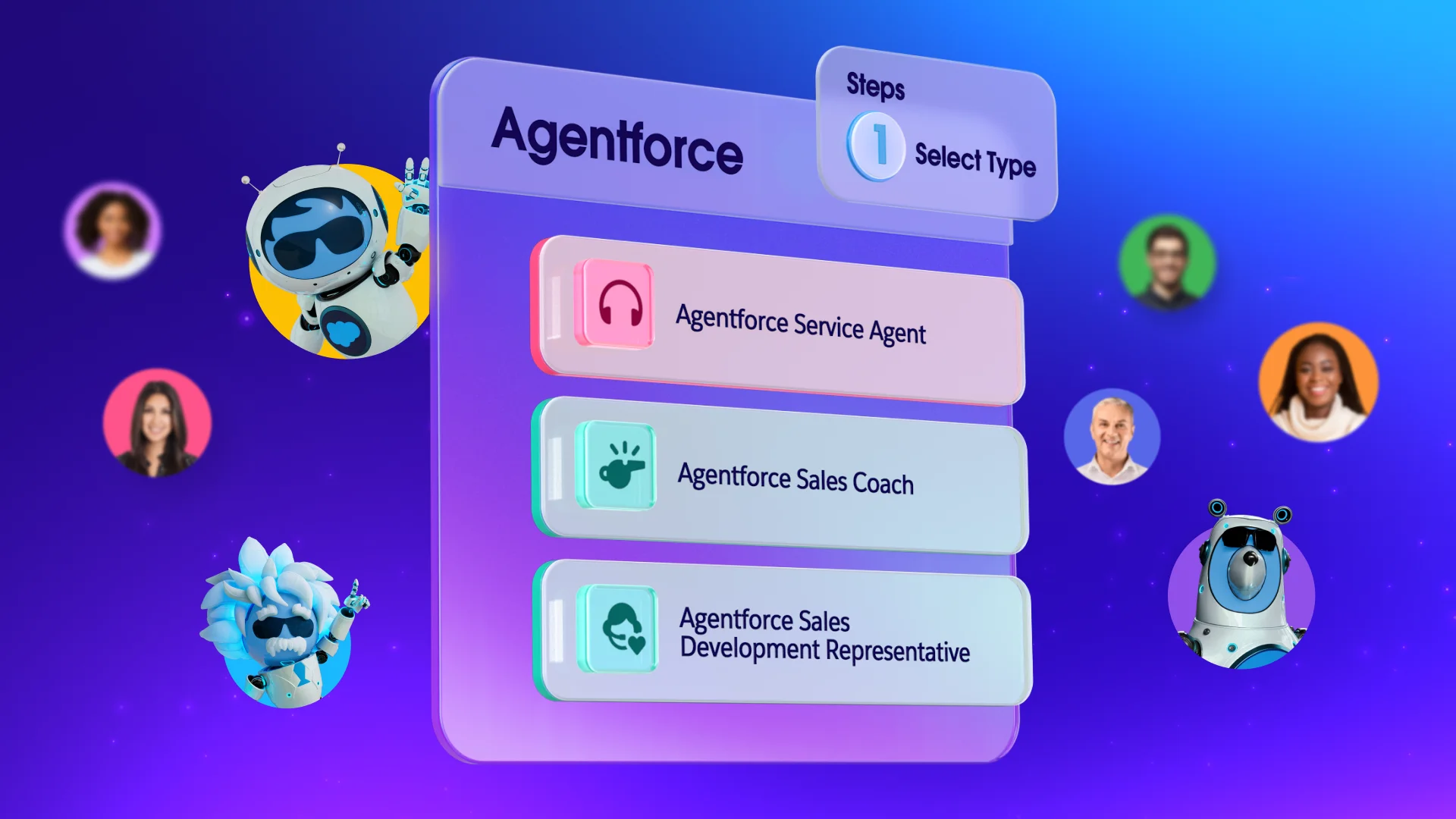
Agentforce 360 is the AI platform built directly into Salesforce. It works across sales, service, marketing, and commerce — surfacing insights, automating follow-ups, drafting responses, and flagging what needs your attention, all without requiring you to toggle between apps, or re-enter data. For a small team with big ambitions, that’s not a luxury. That’s the edge.
The franken-stack version of AI, by contrast, looks like bolting a chatbot onto your support tool and an email generator onto your CRM — with no data shared between them. You’re still doing the connecting yourself.
Ready to fix your franken-stack?
Your tools should work for you — not the other way around. If you’re tired of the manual bridges, the copy-paste workflows, and the data gaps that keep you from serving your customers well, it’s time to try something better.
Get started with Salesforce Suites for free or activate Foundations to try out Agentforce today.
AI supported the writers and editors who created this article.
What is a franken-stack?
A franken-stack is a patchwork of software tools that don’t natively connect with each other, requiring manual workarounds and data re-entry to keep information flowing between platforms. It typically forms when businesses add tools reactively — one at a time — without considering how they’ll work together.
How do I know if my business has a franken-stack?
Common signs include: Your team manually copies data between systems, you can’t get a unified view of any single customer, you’re paying for overlapping tools, or your employees spend more time managing software than serving customers.
What’s the best CRM for a small business trying to replace a franken-stack?
Salesforce is built specifically for small teams replacing disconnected tools. It brings sales, service, marketing, and commerce into one easy-to-use platform with built-in AI, so you’re not just replacing one tool — you’re replacing several at once, with better functionality.
Can a small business really use AI without a big IT team?
Absolutely. Agentforce is built into Salesforce CRM and works directly with the customer data you already have. There’s no separate AI tool to integrate, no data science team required, and no additional cost to get started. You can learn more about getting started on Trailhead, Salesforce’s free learning platform.
What’s the difference between a stitched-together tech stack and a unified platform?
A stitched-together setup means your tools technically connect — but often through third-party integrations, manual exports, or workarounds that break when something updates. A unified platform means everything — data, automation, reporting, AI — runs in the same environment from the start, so there’s no integration to maintain and no gaps to manage.