


Sellfy is a popular choice for creators and small businesses who want a fast way to sell digital products, subscriptions, and simple merch online. With its all-in-one design and beginner-friendly tools, it serves a clear purpose. But for many users, especially those focused on ecommerce and site design, Sellfy can start to feel restrictive.
Whether you’re looking for more customization, better scalability, or lower fees, there are several Sellfy alternatives available in 2026 that offer stronger ecommerce tools, broader integrations, and more design flexibility.
I’ve researched and tested each of these platforms thoroughly, comparing pricing, features, pros and cons, and overall ease of use. Below, you’ll find a detailed breakdown of the top Sellfy alternatives available today.
Our Top Alternatives to Sellfy in 2026
| Platform | Starting Price (USD) | Best For |
|---|---|---|
| Shopify | $5–$39/month | Full-featured ecommerce businesses |
| Wix | $29/month | Quick launch with custom design |
| Squarespace | $16–$99/month | Creative brands and portfolios |
| WooCommerce | Free (plus hosting) | SEO-focused sellers on WordPress |
| Podia | $39–$89/month | All-in-one creator businesses |
| Gumroad | 10% fee per sale | Fast, no-fuss digital selling |
| Payhip | Free–$99/month | Transparent pricing, small teams |
| Ko-fi | Free–$12/month | Fan support and lightweight shops |
| Fourthwall | Free–$19/month | Merch + digital for creators |
| Teachable | $39+/month | Course-first sellers |
| Big Cartel | Free–$30/month | Small catalogs, artist shops |
#1. Shopify: Best Platform for Selling Products Online
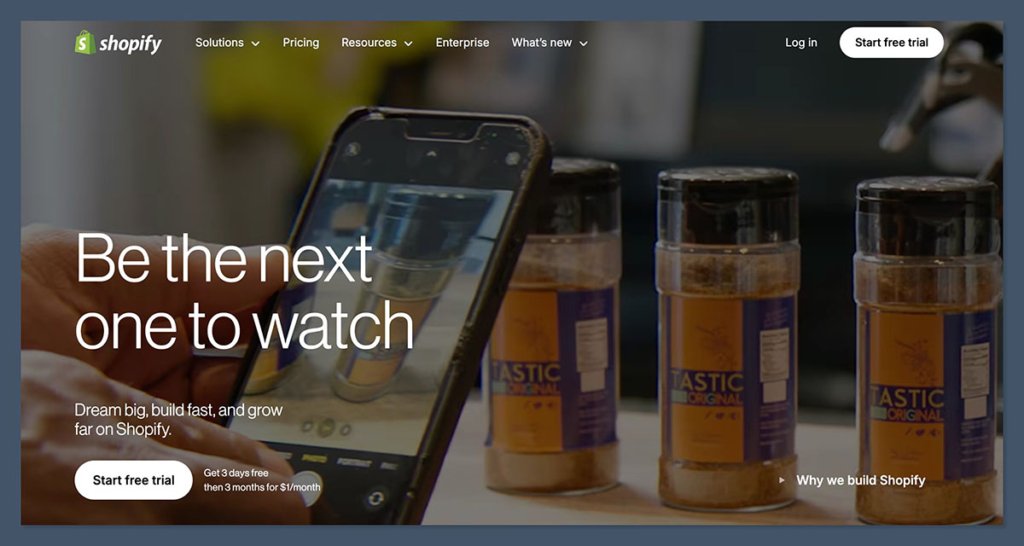
💰 Starting price: $5 per month (Starter plan), $39 per month (Basic, billed annually)
🤖 AI features: Yes – Shopify Sidekick (AI assistant), AI-generated product descriptions
Shopify is the leading ecommerce platform I’ve tested for businesses looking to sell products online. It’s packed with dedicated sales tools, making it ideal for anyone ready to grow a serious store, from independent creators to fast-scaling brands. While its editor isn’t quite as intuitive as some all-in-one builders, Shopify’s focus on performance, inventory tools, and checkout experience make it the strongest platform for online selling.
I used Shopify Sidekick to set up a new storefront and was surprised by how effectively it suggested layouts, product descriptions, and even discounts. It felt more like a partner than a tool.
✔️ Pros
- Strong checkout performance with industry-leading speed
- Wide range of ecommerce apps and features
- Built-in tools for international selling and tax
- Excellent inventory and shipping management
- Shopify Payments supports multiple gateways out of the box
❌ Cons
- Editor is less flexible than Wix or Squarespace
- Most free templates are basic
- Additional apps and themes can drive up costs
- Limited design freedom without code or paid themes
Recent Shopify Updates and Features
- Shopify Sidekick, a new AI assistant, helps with product descriptions, customer replies, and theme edits
- Shopify Markets Pro allows merchants to expand globally with built-in tax and duty calculation
- Shop Pay is now available as a one-click checkout on other platforms, improving conversions for multi-channel brands
How Much Does Shopify Cost?
- Shopify’s pricing starts at $5 per month for the Starter plan
- The Basic plan is $39 per month when billed annually
- You can access most features on the Basic plan, including unlimited products
- A 2.9% + 30¢ fee applies per transaction (via Shopify Payments) in the US
- Shopify offers a $1/month trial for the first three months
Why Use Shopify in 2026?
Shopify continues to lead the market as the most powerful selling platform, thanks to its robust ecommerce features, secure infrastructure, and built-in scalability. Unlike simpler builders, Shopify offers everything from advanced shipping rules to international taxes and abandoned cart recovery, without needing multiple plugins. Its new AI assistant, Shopify Sidekick, reduces setup time by helping you with content, automation, and customer support, making it easier to manage operations as a solo business owner or small team.
If your focus is on ecommerce growth, not just launching a site, Shopify gives you the tools and flexibility to scale with confidence. Whether you’re selling digital downloads, print-on-demand products, or a complex catalog, it’s built to handle the demands of real online stores.
Shopify is suitable for:
- Businesses ready to sell online at scale
- Sellers with large or growing product catalogs
- Brands that need strong checkout and shipping tools
Shopify isn’t suitable for:
- Users looking for heavy design customization without code
- Businesses with very basic needs or low sales volume
- Beginners who want a drag-and-drop design-first experience
2. Wix: Best for Beautiful, Customizable Storefronts
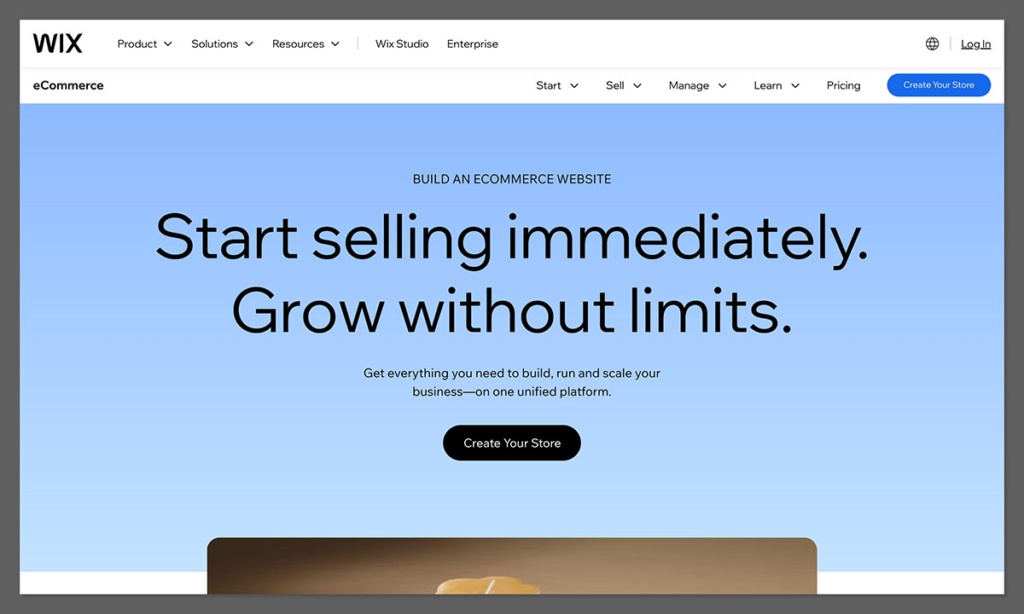
💰 Starting price: $29 per month (ecommerce plans)
🤖 AI tools: Yes – Wix ADI, AI image/text generation, Astro AI assistant
Wix is one of the easiest and most design-flexible ecommerce builders available today. It’s ideal for sellers who want a visually appealing site that they can launch quickly, without needing to code. Wix also includes built-in marketing tools, basic automation, and ecommerce functionality that works well for smaller stores.
I used Wix’s AI builder to set up a storefront for digital templates and was impressed by how quickly it built a tailored layout with product pages, checkout, and email opt-in flows. I could customize everything afterward using the drag-and-drop editor.
✔️ Pros
- Thousands of templates with complete design control
- Drag-and-drop editor with mobile preview
- Built-in SEO, email marketing, and blogging tools
- Easy to connect payment gateways and set up digital product delivery
❌ Cons
- Slower load times for large sites
- Hard to scale for complex operations
- Template can’t be changed after publishing
- Limited support for multi-language stores
How Much Does Wix Cost?
- Plans start at $29/month for basic ecommerce
- Business Elite plan with priority support is $159/month
- Free plan available for testing, but cannot process payments
- Wix charges 2.9% + 30¢ per transaction in the US
Why Use Wix in 2026?
Wix brings together website design, ecommerce functionality, and marketing tools under one roof. It’s a top choice for creators, small brands, and boutique stores that want a strong online presence with visual polish. While it’s not the best for massive product catalogs or advanced workflows, it excels in simplicity and presentation.
Wix is suitable for:
- Users who want full design control without needing code
- Sellers focused on brand visuals and storytelling
- Small product-based businesses
Wix isn’t suitable for:
- Businesses that require complex backend logic
- Stores with thousands of SKUs
- Users planning international or enterprise-scale operations
3. Squarespace: Best for Design-Focused Brands
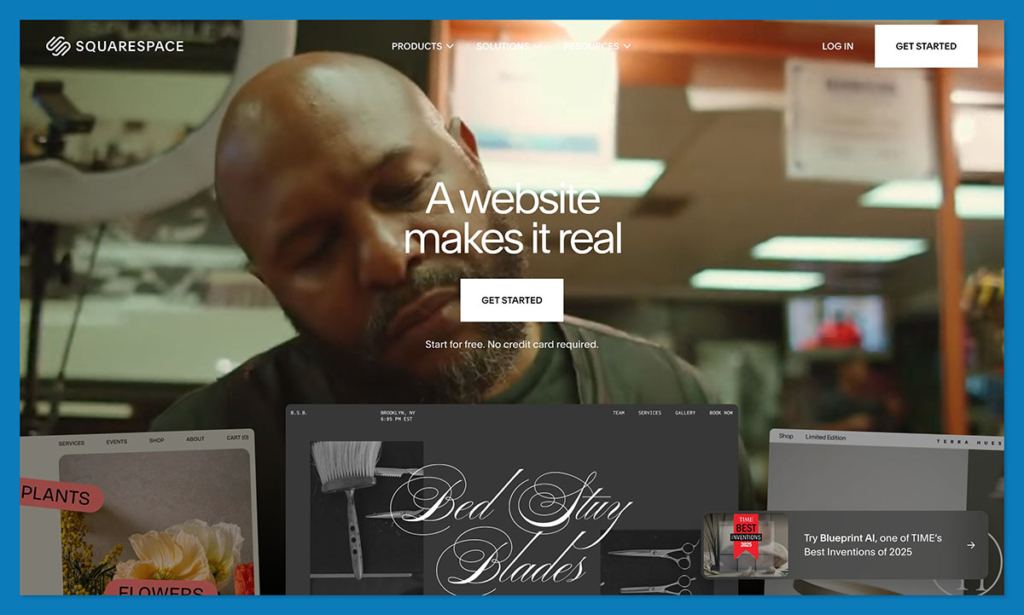
💰 Starting price: $25/month (monthly), $16/month (annual billing)
🤖 AI features: Yes – Squarespace Blueprint and AI content tools
Squarespace is known for its stunning templates and smooth editing experience. If you’re a designer, artist, or premium brand, it’s an ideal platform for showcasing your products and creating a clean, high-end storefront. Squarespace supports digital downloads, subscriptions, and physical products, with minimal setup required.
When I built a portfolio-style store on Squarespace, the template did most of the heavy lifting. I only needed to swap out my content and tweak a few sections. The result felt polished right from the start.
✔️ Pros
- Elegant, responsive templates
- Subscription and membership sales built-in
- Includes email campaigns and analytics
- Great for branding and storytelling
❌ Cons
- Not as flexible for backend customization
- Editing tools have some restrictions
- No free plan
- Certain features locked behind higher-tier plans
How Much Does Squarespace Cost?
- Plans start at $16/month (annual) or $25/month (monthly)
- Commerce plans with lower transaction fees start at $27/month (annual)
- Squarespace takes a 3% platform fee on personal plan ecommerce sales
- All plans include hosting and SSL
Why Use Squarespace in 2026?
Squarespace is ideal if design is a top priority. It makes it easy to create a modern, professional online store without needing a designer. If you’re selling digital goods, print media, art, or any kind of visual product, Squarespace gives your brand the visual edge it needs to stand out online.
Squarespace is suitable for:
- Creative professionals and brands with strong visuals
- Businesses that sell digital services or subscriptions
- Users who want a streamlined backend
Squarespace isn’t suitable for:
- Advanced ecommerce businesses with complex inventory
- High-volume physical product sellers
- Users needing deep app integrations
4. WooCommerce: Best for WordPress and SEO Control
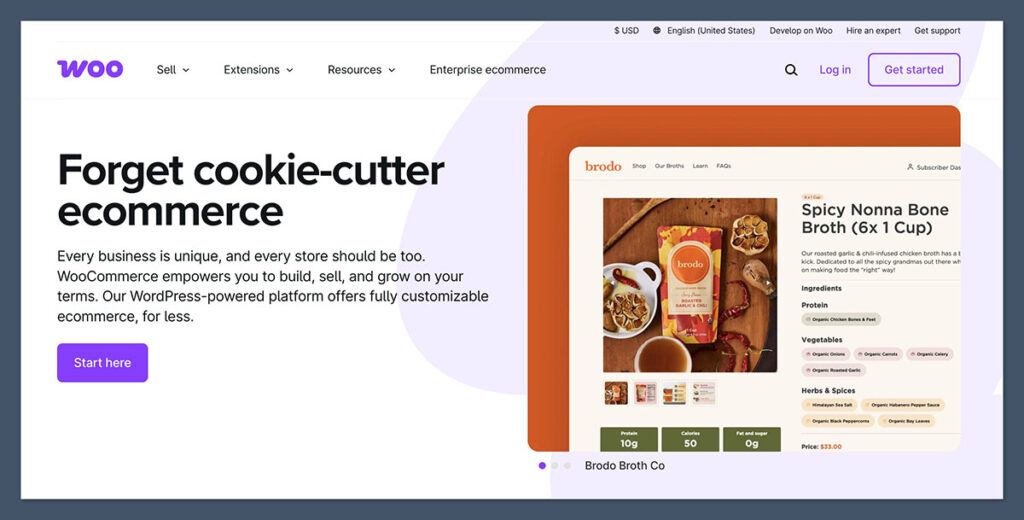
💰 Starting price: Free plugin, hosting from ~$20/month
🤖 AI features: No native AI tools
WooCommerce is a flexible ecommerce plugin for WordPress, giving you full control over your store’s design, performance, and SEO. It’s best suited for sellers who already use WordPress or want to combine ecommerce with blogging and content marketing.
When I set up WooCommerce on an existing WordPress blog, I found the transition smooth, though I did need to install a few plugins to enable digital delivery and payments. With the right hosting and theme, WooCommerce becomes a powerhouse.
✔️ Pros
- Fully customizable with access to code and themes
- No platform transaction fees
- Massive library of plugins and extensions
- Excellent SEO tools via WordPress
❌ Cons
- Requires hosting setup and maintenance
- Plugins can conflict or require frequent updates
- Not beginner-friendly
- Costs can add up over time depending on themes and add-ons
How Much Does WooCommerce Cost?
- The WooCommerce plugin is free
- Hosting typically starts at $20/month for ecommerce-capable plans
- Many useful plugins or themes require annual fees
- No transaction fees from WooCommerce, only your payment processor
Why Use WooCommerce?
WooCommerce is the best Sellfy alternative if you’re already familiar with WordPress and want more flexibility. It’s ideal for content-driven sellers or anyone who wants to optimize their site for organic traffic. While it takes more setup than an all-in-one platform, it offers unmatched control over functionality and performance.
WooCommerce is suitable for:
- Content creators, bloggers, and SEO-focused sellers
- Businesses that want to own their tech stack
- Sellers looking to avoid monthly platform fees
WooCommerce isn’t suitable for:
- Beginners with no web experience
- Users who want a quick-launch solution
- Sellers who prefer fully hosted platforms
5. Podia: Best for Creators Selling Courses and Downloads
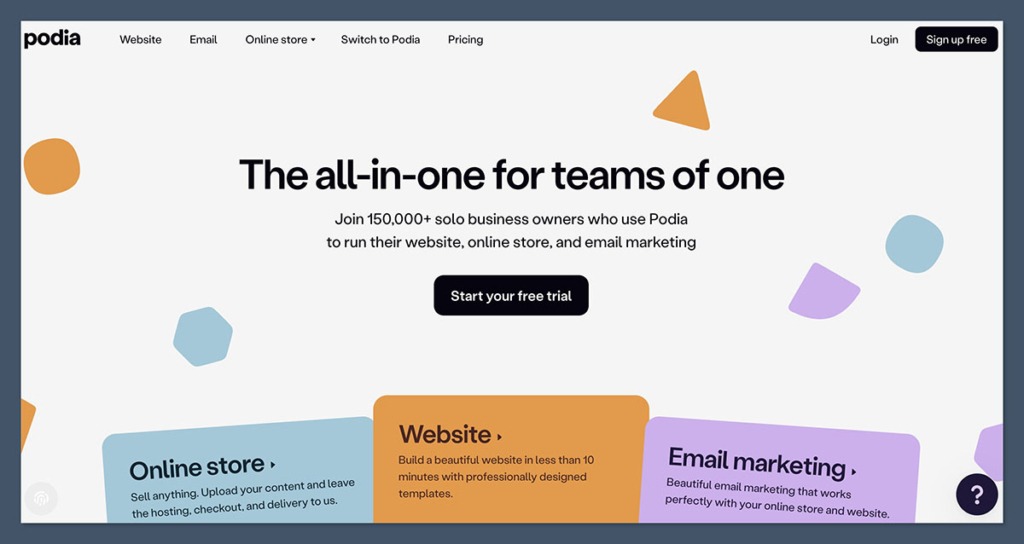
💰 Starting price: $39/month (5% fee), $89/month (0% fee)
🤖 AI tools: No AI assistant, but intuitive UI
Podia is built specifically for creators, think coaches, course sellers, and digital download businesses. It bundles storefront, email marketing, memberships, and content hosting into one clean interface. If your business revolves around digital products and building an audience, Podia is a smart Sellfy replacement.
Setting up a course in Podia was surprisingly quick. It handled everything from lesson uploads to customer payments and drip content without any extra tools or plugins.
✔️ Pros
- All-in-one platform for digital selling
- Built-in email marketing and customer messaging
- Easy to sell memberships, webinars, and downloads
- Clean dashboard and checkout
❌ Cons
- Lower plan includes transaction fees
- Less flexible for physical products
- No custom domain without a paid plan
How Much Does Podia Cost?
- $39/month for the Mover plan (includes 5% transaction fee)
- $89/month for the Shaker plan (removes transaction fee)
- Annual discounts available
- Includes unlimited products and customers on all plans
Why Use Podia in 2026?
Podia combines the core tools most creators need in one place. You don’t need to manage separate platforms for courses, email, and storefronts. If you’re a content-first business, Podia is easier and more efficient than Sellfy, with better customer experience and marketing tools.
Podia is suitable for:
- Course creators, coaches, and digital entrepreneurs
- Sellers who want one tool for all their business operations
- Users without technical skills
Podia isn’t suitable for:
- Businesses with complex ecommerce needs
- Sellers focused on physical products
- Brands that want deep design control
Great, here’s the final set of Sellfy alternatives, all structured to match the tone and format used in the earlier sections. Each platform is presented with starting price, AI capabilities (if applicable), key highlights, detailed pros and cons, pricing breakdown, and a clear explanation of who it’s best, and not best, suited for.
6. Gumroad: Best for Simple, Fast Digital Product Sales
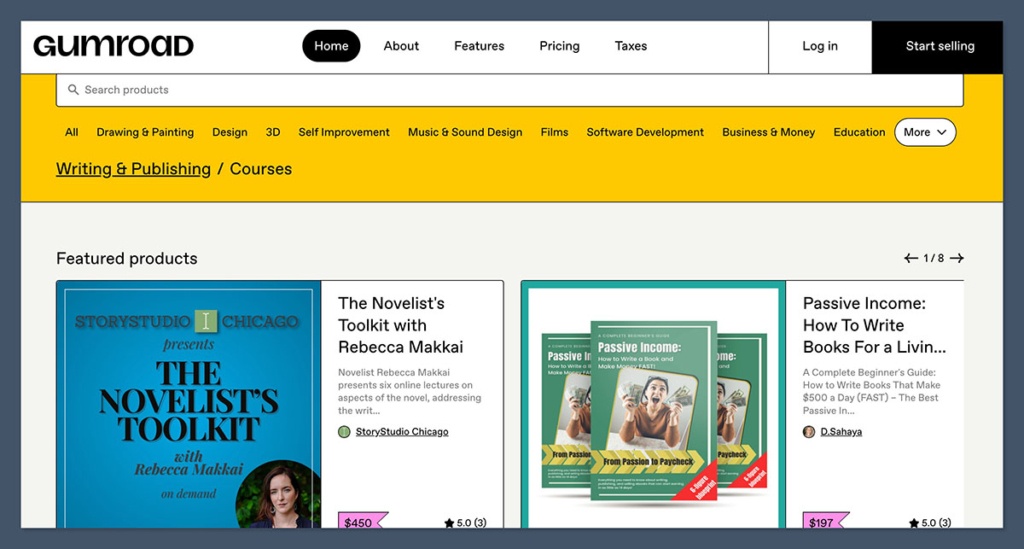
💰 Starting price: Free to use, with a 10% transaction fee
🤖 AI tools: No
Gumroad is one of the quickest ways to sell digital products online. If you have a file, a price, and an audience, you can start making sales in minutes. It’s designed for creators who want simplicity, not complexity, and its no-subscription-fee model is especially attractive to those just starting out.
I’ve used Gumroad to launch and test new products without committing to a full storefront. The setup was effortless, though I did notice the branding and design options were very limited.
✔️ Pros
- No monthly fee
- Ideal for testing digital products or selling a few items
- Checkout links can be embedded anywhere
- Discovery marketplace can generate organic traffic
❌ Cons
- 10% platform fee adds up quickly
- Very limited customization and storefront control
- Not suitable for physical products or full ecommerce
How Much Does Gumroad Cost?
- No monthly fee
- 10% transaction fee on direct sales
- 30% platform fee on Discover (Gumroad’s internal marketplace)
- Standard Stripe/PayPal fees apply
Why Use Gumroad?
Gumroad is the best Sellfy alternative for minimalist creators who want to launch fast and avoid monthly costs. It’s especially well-suited for selling PDFs, templates, short videos, or small software tools. However, if you’re scaling beyond $1,000/month in sales, the fees become a significant downside.
Gumroad is suitable for:
- Creators with small digital product catalogs
- Indie authors, designers, and developers
- Users testing new products or monetization ideas
Gumroad isn’t suitable for:
- Brands needing a full-featured storefront
- High-volume sellers
- Businesses that want full control over branding
7. Payhip: Best for Transparent Pricing and Simplicity
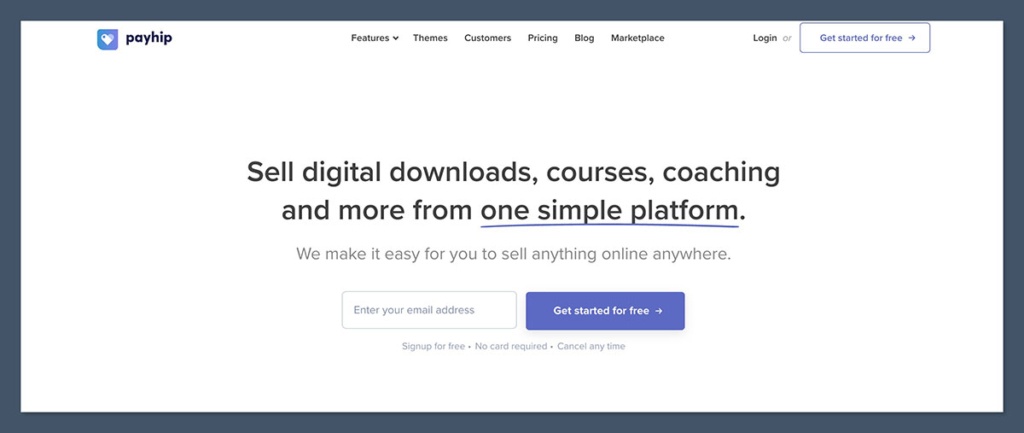
💰 Starting price: Free (5% fee), $29/month (2% fee), $99/month (0% fee)
🤖 AI tools: No
Payhip is a creator-first platform that offers a clean, all-in-one space to sell digital products, memberships, and even physical goods. It’s known for its transparent pricing model and lightweight setup. You can be up and running in under an hour, with tools for VAT, coupons, and affiliate programs included.
I’ve recommended Payhip to many creators who want to avoid hidden fees or complex setups. While the storefront design is simple, it’s more than enough for sellers focused on product delivery over aesthetic.
✔️ Pros
- Clear, flexible pricing plans
- Supports digital, physical, and subscription products
- Affiliate and VAT tools included on all plans
- Easy product delivery and customer checkout
❌ Cons
- Limited storefront design options
- Not ideal for scaling into a larger business
- No app marketplace or deep integrations
How Much Does Payhip Cost?
- Free plan: 5% fee per sale
- $29/month plan: 2% fee
- $99/month plan: 0% platform fee
- All plans include unlimited products and storage
Why Use Payhip?
If you’re looking for a no-nonsense way to sell your digital goods, Payhip offers strong value with none of the fluff. Its pricing is easy to understand, and its tools work well for solo entrepreneurs. While it won’t scale into an enterprise store, it’s more than enough for lean, digital-focused businesses.
Payhip is suitable for:
- Digital product sellers who want clear pricing
- Creators offering memberships, subscriptions, or downloads
- Users who don’t need advanced ecommerce features
Payhip isn’t suitable for:
- Stores requiring strong design flexibility
- Large-scale product catalogs
- Businesses seeking integration with external tools
8. Ko-fi: Best for Fan Support and Tipping Plus Simple Sales
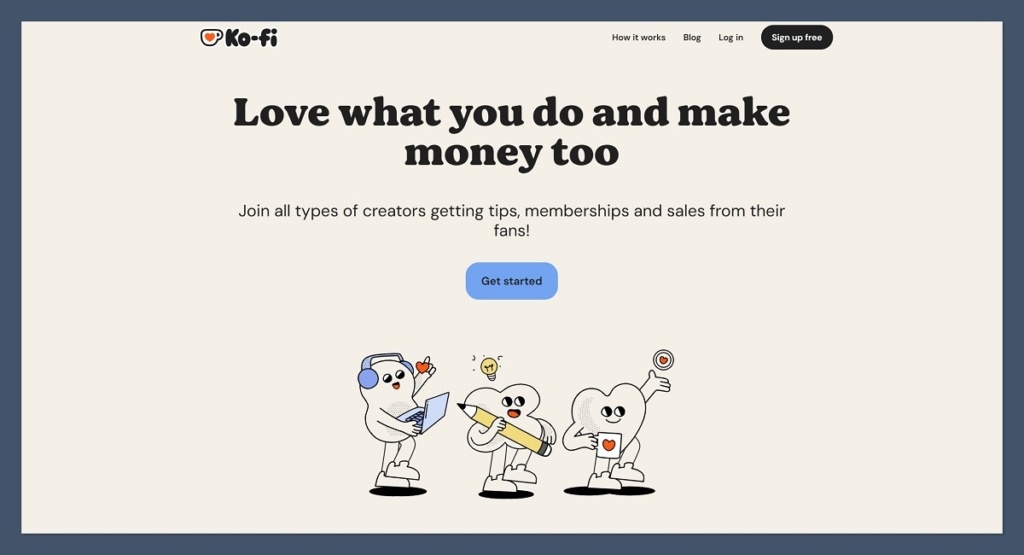
💰 Starting price: Free with 5% fee, $12/month for Ko-fi Gold (0% fee)
🤖 AI tools: No
Ko-fi is a support-first platform that lets fans tip you, subscribe to your work, or buy digital products from a simple shop. It’s especially popular among artists, writers, and streamers who want a lightweight way to earn without setting up a full online store.
Ko-fi is perfect if you’re looking for a hybrid between a donation platform and a product shop. I tested it with a small art pack and was impressed by the ease of setup, and the fact I didn’t need to worry about product hosting or design.
✔️ Pros
- Fast, easy setup with no design required
- No monthly fees unless you upgrade to Gold
- Tip jars, memberships, and product sales all in one place
- Excellent for community-building and fan interaction
❌ Cons
- Not designed for full ecommerce operations
- Limited control over branding or store layout
- Product catalog management is minimal
How Much Does Ko-fi Cost?
- Free plan includes a 5% platform fee
- Ko-fi Gold is $12/month and removes platform fees
- Stripe or PayPal transaction fees still apply
- Unlimited products and supporters
Why Use Ko-fi?
Ko-fi is a creator-friendly Sellfy alternative that balances donations and sales without overwhelming you with features. If you already have a fanbase and want to monetize with minimal effort, Ko-fi is one of the most hassle-free ways to do it.
Ko-fi is suitable for:
- Creators with engaged audiences
- Artists, musicians, writers, and streamers
- Sellers offering digital downloads, tip-based support, or memberships
Ko-fi isn’t suitable for:
- Businesses selling physical inventory
- Stores needing advanced ecommerce features
- Users wanting to fully customize storefronts
9. Fourthwall: Best for Merch and Digital Products for Creators

💰 Starting price: Free plan available, Pro plan is $19/month or $180/year
🤖 AI tools: No
Fourthwall is designed specifically for creators looking to sell merch, memberships, and digital products directly to their audiences. It includes built-in fulfillment for physical products and integrates with platforms like YouTube and Twitch, making it ideal for social creators with an existing following.
I used Fourthwall to set up a merch and digital bundle page for a YouTube client, and it streamlined everything from order processing to custom domain setup. There was no need to manage fulfillment or shipping manually.
✔️ Pros
- Merch and digital product support in one place
- Audience-first design and marketing tools
- Integrates with social platforms
- No platform fee on digital sales with Pro plan
❌ Cons
- Limited design and storefront customization
- Not built for general ecommerce
- Best used within a creator-focused business model
How Much Does Fourthwall Cost?
- Free plan available
- Pro plan costs $19/month or $180/year
- 0% fee on digital sales for Pro users
- Standard payment processing fees apply
Why Use Fourthwall?
Fourthwall makes it easy to turn an audience into a revenue stream. Whether you’re selling shirts, digital packs, or memberships, it’s built for creators first — not ecommerce stores. If your income is tied to content creation, it’s one of the most relevant tools on the market today.
Fourthwall is suitable for:
- YouTubers, Twitch streamers, and social media creators
- Sellers with a mix of merch and digital products
- Creators with existing audiences
Fourthwall isn’t suitable for:
- Traditional ecommerce brands
- Sellers needing full design control
- Users without a social presence
10. Teachable: Best for Course Sellers

💰 Starting price: $39/month (7.5% fee), higher plans reduce fees
🤖 AI tools: No
Teachable is a purpose-built course platform that offers everything needed to host, sell, and manage online courses. It’s ideal for educators and digital creators who want to offer structured content, whether that’s video lessons, coaching, or downloadable materials.
I created a sample course using Teachable and was able to manage students, track lesson progress, and offer certificates without touching a single plugin or code line. The student experience was polished and easy to navigate.
✔️ Pros
- Clean course and coaching setup
- Upsells, bundles, and coupons built in
- Works well for digital-first teaching businesses
- Built-in tax and payment management
❌ Cons
- Transaction fees on lower-tier plans
- Not designed for selling physical products
- Limited storefront flexibility
How Much Does Teachable Cost?
- Starter: $39/month with 7.5% fee
- Pro: $119/month, removes most fees
- Free plan available with limited features
- All plans include unlimited students
Why Use Teachable?
Teachable is a powerful alternative to Sellfy if your focus is on education and structured content delivery. Its learning-focused features make it much better suited for course-based businesses than traditional ecommerce tools.
Teachable is suitable for:
- Course creators and educators
- Coaching-based businesses
- Sellers offering high-ticket content
Teachable isn’t suitable for:
- Ecommerce businesses with physical products
- Brands that need storefront design flexibility
- Users looking to sell small, one-off downloads
11. Big Cartel: Best for Small Artist Shops
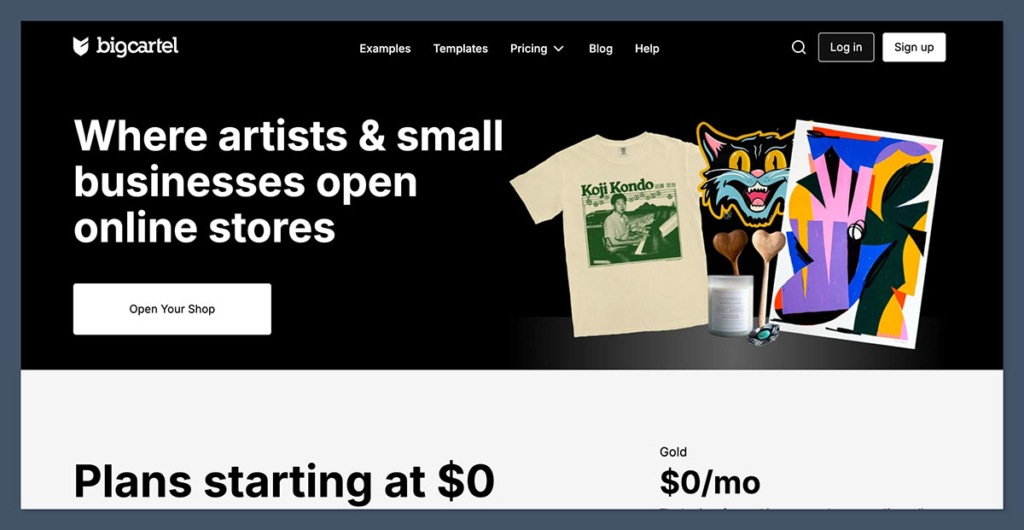
💰 Starting price: Free for up to 5 products, paid plans at $15/month and $30/month
🤖 AI tools: No
Big Cartel is a lightweight ecommerce platform made for artists, makers, and small-scale sellers. It offers an easy-to-use interface, minimal overhead, and a clean storefront experience for businesses with a limited number of products.
Setting up a shop on Big Cartel took me less than an hour, and the platform provided just enough customization to feel on-brand. It’s not meant for scaling, but it serves its niche very well.
✔️ Pros
- Free plan available with no fees
- Simple setup for small product catalogs
- Great for handmade goods or art prints
- No platform fees on paid plans
❌ Cons
- Limited tools for growth or automation
- Not suitable for complex inventories
- No app marketplace or major integrations
How Much Does Big Cartel Cost?
- Free plan supports up to 5 products
- $15/month plan supports 50 products
- $30/month plan supports 500 products
- No transaction fees on any plan
Why Use Big Cartel in 2026?
Big Cartel remains one of the best options for small artists or hobbyists selling limited products. It’s perfect for those who don’t want to deal with complex ecommerce dashboards or expensive monthly costs.
Big Cartel is suitable for:
- Artists, crafters, and handmade goods sellers
- Businesses with fewer than 50 products
- Sellers who want a free, simple storefront
Big Cartel isn’t suitable for:
- Businesses planning to scale
- Stores needing advanced features
- Digital-only sellers with complex delivery needs
Final Thoughts
If you’re finding Sellfy too limiting, you’re not alone. Whether you’re running a creator business, selling digital downloads, or launching your first online store, the right platform can make a big difference in your growth and profit margins.
Shopify and WooCommerce are ideal for long-term scalability and deep ecommerce features. Wix and Squarespace are best for those who value visual design and ease of use. For creators selling content, Podia, Gumroad, Ko-fi, and Fourthwall offer clear, lightweight paths to monetization.
What matters most is choosing a platform that fits your business model now and gives you room to grow without switching again too soon. You don’t need to overbuild or overpay — but you also shouldn’t be stuck with a tool that limits your brand’s future.


