


The right email permutator can help you find all the email addresses you need and expedite your prospecting process. However, not all email permutators are created equal. That’s why we’ve listed the best email permutator tools and compared them with the competition to see how they measure up.
By the end of this article, you’ll know exactly which email permutator is the best fit for you, and how to use one without wasting time on addresses that bounce.
Let’s get started.
Email Finders vs. Email Permutators: Which Do You Need?
Those two terms sound like they mean the same thing at first glance. Both email finders and email permutators find people’s email addresses, so what actually sets them apart?
Here’s the difference: email finders locate already validated email addresses. On the other hand, email permutators draw on an individual’s information to create a list of possible email addresses.
Email permutators often come with a verification tool (sometimes called a “bouncer”) to determine which generated addresses are valid. Suppose an email permutator doesn’t come with a bouncer. In that case, you’ll have to run the list of potential email addresses through a separate verification tool to identify the valid addresses and discard the rest.
Since email permutators merely “guess” email addresses, they only make up part of the equation. Therefore, they’re often better utilized as a feature within email finder tools than as your main source of email leads. After all, with email finders, the result is reliable email addresses for your leads. If it’s a top-notch tool, you’ll also get other valuable lead data that can only come from a large and carefully curated profile list.
There’s also a deliverability cost to guessing wrong. Sending cold outreach to a made-up address that bounces can hurt your sender reputation and drag down the delivery rate of every email you send afterward. For this reason, it’s always better to start with a comprehensive email finder that integrates verified email permutation into its overall process, rather than treating permutation as a standalone step.
How to Use an Email Permutator the Right Way
An email permutator is only as useful as the process around it. Here’s a simple sequence that keeps your list clean:
- Confirm the person’s full name and the company’s domain. A permutator can’t work with a nickname or a guessed domain, so start with accurate source data.
- Check for a known pattern first. If you already have one verified email address at that domain, such as [email protected], apply that same pattern to your new contact instead of generating dozens of guesses.
- Generate the candidate list. If there’s no known pattern yet, use the permutator to generate realistic combinations from the name and domain.
- Verify before you send. A permutator only guesses at a format, it doesn’t confirm a mailbox exists. Run every candidate through an email verifier to catch invalid and catch-all addresses before they hit your outreach list.
- Save the confirmed pattern. Once you know a domain’s format, reuse it for future contacts at the same company instead of re-permutating from scratch.
Top 5 Email Permutator Tools to Try Today
Here are some of the best tools out there for email permutation:
1. UpLead

UpLead is a powerful online email finder tool with a capable built-in permutator to ensure a reliable email generation process.
With UpLead, you can ensure you find the most reliable email addresses thanks to its vast database of high-quality leads. With a 95% data accuracy guarantee, UpLead allows you to find reliable email addresses almost on command. And, when you need to go deeper, you can always use UpLead’s email permutator tool to generate different email combinations. With it, you can generate different potential emails, using UpLead’s verification tool to pick the valid one.
An email verification tool weeds out invalid data to ensure you always get valid email addresses, which helps ensure deliverability.
UpLead doesn’t just generate email addresses. It also surfaces demographic and technographic details when they’re available. You may also see profile images and links to social media.
With UpLead, you can find anyone’s email address and much more.
Try UpLead for free today and see if it’s the right fit.
2. Metric Sparrow Email Permutator+
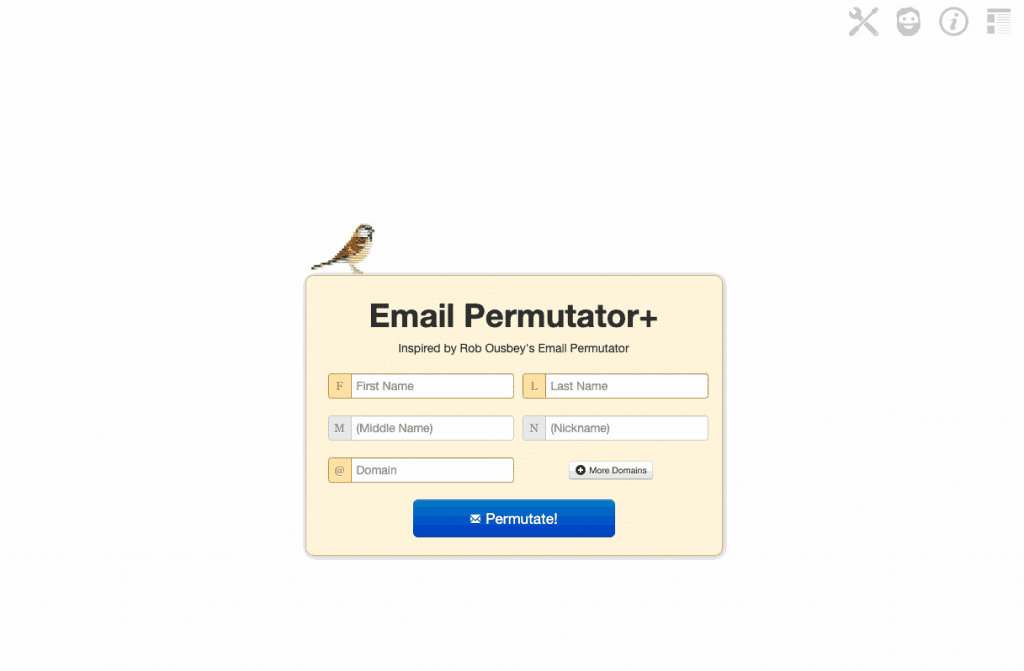
Metric Sparrow’s Email Permutator+ is a free tool available to anyone looking for an email permutator online.
Users can enter first and last names along with domains. Middle names or nicknames can be added to generate more personalized email address options. Metric Sparrow will then permutate addresses based on the information entered.
Pros:
Metric Sparrow’s tool has a few strengths worth noting:
- Free tool: The tool is available in full for free.
- Easy to use: Users can simply input the information they have.
- Unlimited searches: Users can permutate addresses indefinitely.
- Can support multiple domains: The tool allows users to include up to 3 domains per name in the email permutation process.
- Provides multiple results: It can provide up to 46 email address combinations.
Cons:
It also comes with a couple of drawbacks:
- No bulk email generation: The time-consuming process of manually inputting information makes bulk email generation impossible.
- It doesn’t have a bounce check tool: You’ll have to pair it with a third-party email verification tool.
3. Foxfire’s Email Permutator
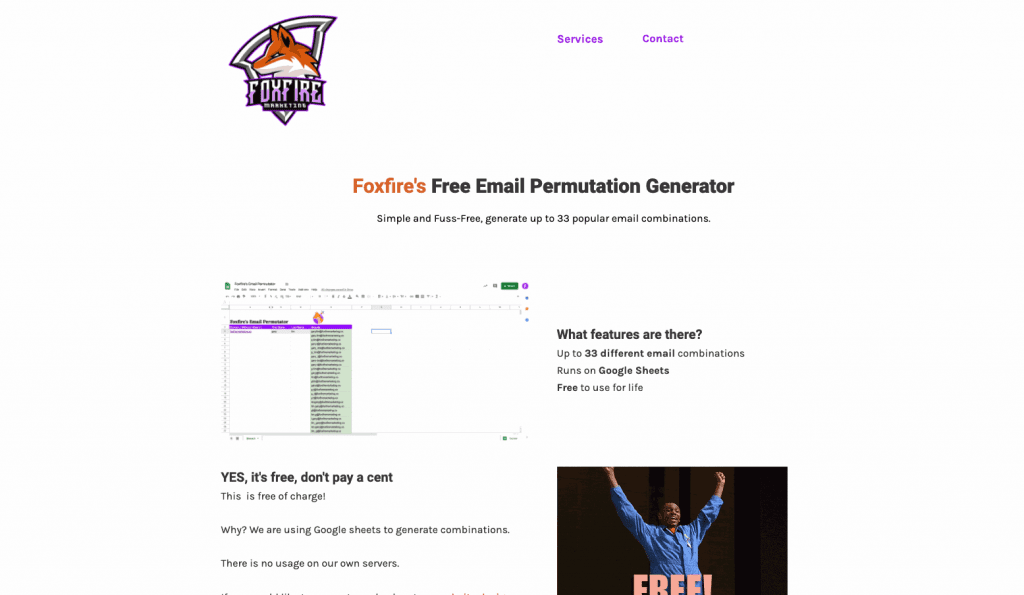
Foxfire’s email permutator is another free way to try to determine someone’s email address. It’s fairly limited and low-tech, but it works instantly once downloaded. Built on Google Sheets, this simple tool can generate dozens of email address combinations right away.
Although fairly limited, this simple tool can be used on or offline to generate potential email addresses.
Pros:
This tool offers a few advantages:
- No cost: Access the Google Sheets file or copy it to your Drive.
- Provides multiple results: This email permutator can generate up to 33 email combinations.
- On or offline results: You can download the spreadsheet to your computer as a simple email permutator anytime.
Cons:
On the downside:
- Limited tool: The spreadsheet has limited capabilities and works manually and somewhat slowly.
- No email verification: Needs to be paired with an email verification tool to serve as an effective email finder.
4. Mailmeteor
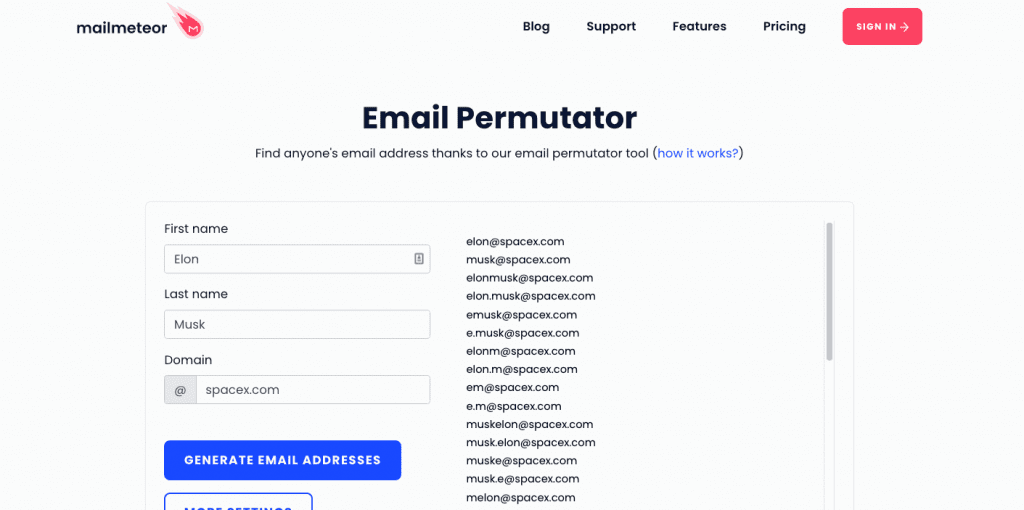
Mailmeteor offers a free email permutator that allows users to guess people’s email addresses without leaving their Gmail app.
With this Gmail add-on, users can find email addresses using a person’s full name plus a nickname and one domain. Gmail has an extension to access the generated emails directly. This is useful since the tool doesn’t pack a verification feature and instead offers the beta version of an email checker with limited capabilities.
Pros:
Mailmeteor’s strengths include:
- Free tool: Users can access the tool using a free Gmail extension.
- Multiple results: The tool offers up to 34 potential email addresses.
- Cold emailing features: This free tool works with the rest of Mailmeteor’s email marketing tools, including an email checker.
Cons:
Its cons include:
- Can’t generate email addresses in bulk: Like many other options, the time-consuming process of generating an email address makes bulk email generation impossible.
- Limited email checker: Using the beta version of an email checker may be too risky for some who need a separate, proven tool.
5. Email Permutator Spreadsheet by Rob Ousbey
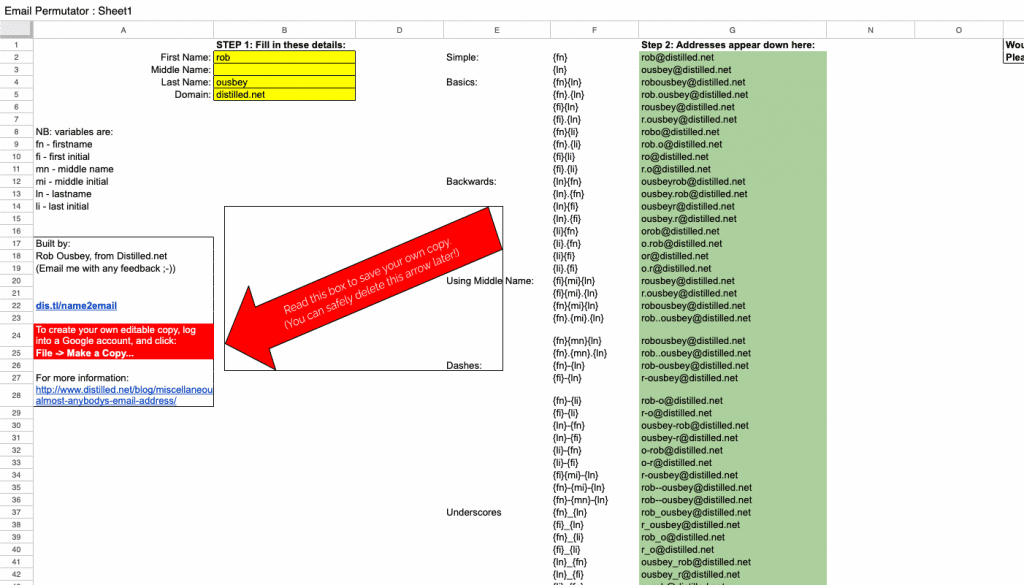
The last of our top five, this classic tool made by Rob Ousbey has been the blueprint for many modern email permutators.
Said to have been created while Ousbey was working on link building, the spreadsheet is fairly capable, although not as easy to use as most modern email permutators.
Pros:
This spreadsheet has two clear advantages:
- Very capable: This simple spreadsheet can generate an impressive 46 email combinations.
- No cost to use: The spreadsheet is free.
Cons:
Its downsides:
- Limited capabilities: The platform can only generate email addresses from one full name and one domain address, so it isn’t ideal for finding email addresses for people associated with multiple domains.
- Somewhat hard to use: While other tools make it simple to input and find data, this spreadsheet may take some time.
FAQs
Here are answers to common questions regarding email permutators.
What is an email permutator?
An email permutator is a tool made to guess someone’s email address using their public data. Email permutators often use a combination of the person’s name, nickname, and domain or company name to generate a list of possible email addresses.
These tools are useful when looking for patterns in a company’s email addresses, or when targeting emails from higher-ranking employees (a.k.a. CEO emails) that are unlikely to be public.
Since these tools only generate potential email addresses, they’ll often need a verification tool to find whether any of them are valid and in use. You can, however, use tools like UpLead to get the best of both worlds in a single solution.
How does an email permutator work?
Email permutators mix information typically used when creating an email address to generate combinations of potential addresses.
Most individuals and companies follow specific patterns to create new email addresses. Email permutators are programmed to mimic those patterns to find possible combinations. Users can then take the email list and verify which addresses are valid.
Is it legal to use an email permutator?
Guessing a business email address based on a company’s known naming pattern is standard practice in B2B sales and recruiting. What matters more is what you do afterward: comply with applicable data protection and anti-spam rules, such as GDPR or CAN-SPAM, when you store and contact the addresses you generate, and stop contacting anyone who opts out.
How accurate are email permutator tools?
Accuracy depends entirely on the pattern being guessed correctly, and a permutator has no way to confirm a mailbox actually exists. That’s why pairing an email permutator with a real-time email verifier, rather than using it on its own, is the standard way to keep bounce rates low.
What You Need to Remember About Email Permutators
Guessing a hard-to-find email address is exactly what email permutators are built for. These tools are usually free and can be especially valuable when generating email addresses that are not yet public and, therefore, have not yet been targeted by the competition.
However, email permutators are not the best way of generating email addresses reliably or constantly. The time-consuming process of inputting user information and generating a list of dozens of potential addresses isn’t exactly efficient, and a wrong guess can cost you deliverability.
If you want to generate verified email addresses with a trusted tool, you need an email finder like UpLead. With UpLead, you can mix email generation with permutation to ensure you get the email addresses you need. UpLead validates all email addresses, making it a useful tool for your next marketing campaign.


